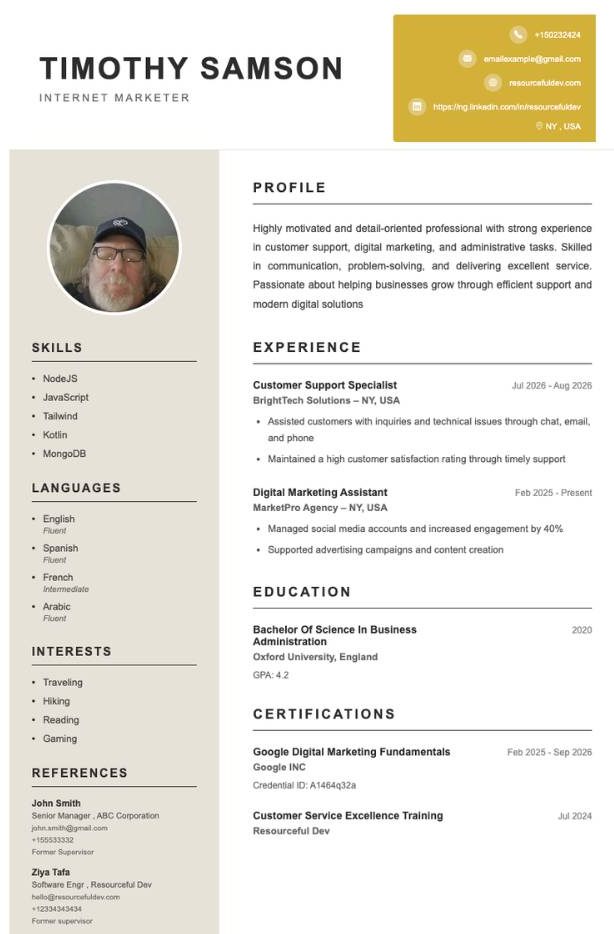
Modern Minimalist
Airy spacing and a calm hierarchy that puts your achievements first. The most versatile CV template for almost any role.
- Entry-level
- Tech
- Career change

Choose a clean design, fill it in with AI-guided suggestions and download your CV as a PDF. No formatting, no stress, just a CV that looks the part.
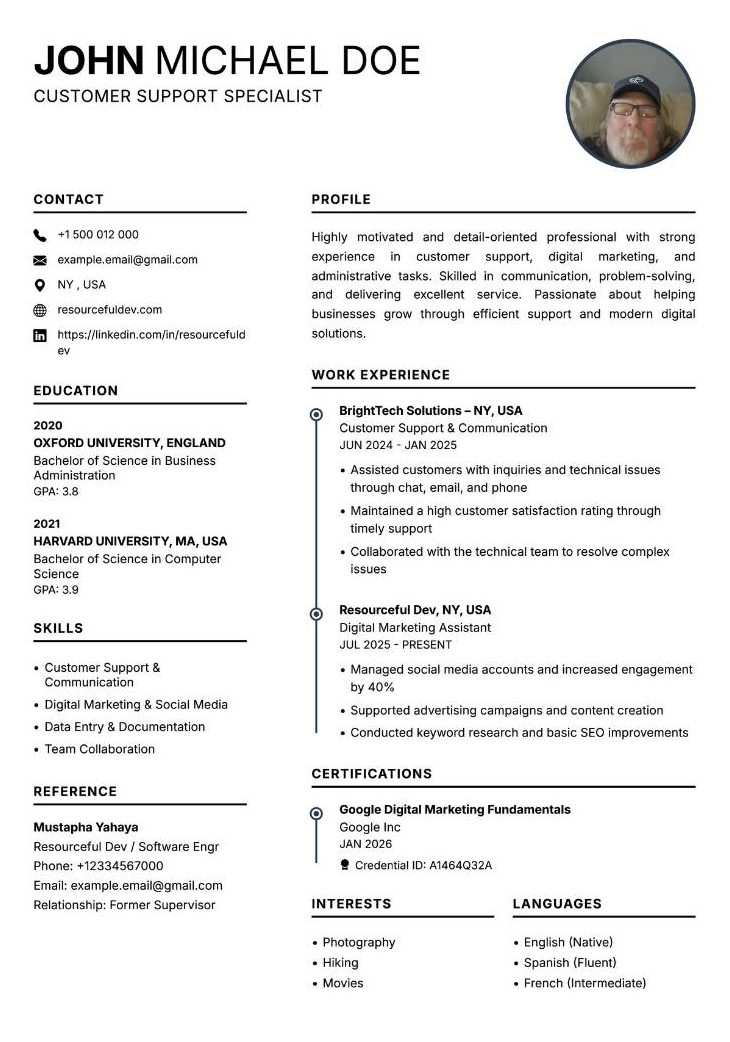
Ranked by how widely they suit different people and jobs. Start at number one if you are unsure.
Airy spacing and a calm hierarchy that puts your achievements first. The most versatile CV template for almost any role.
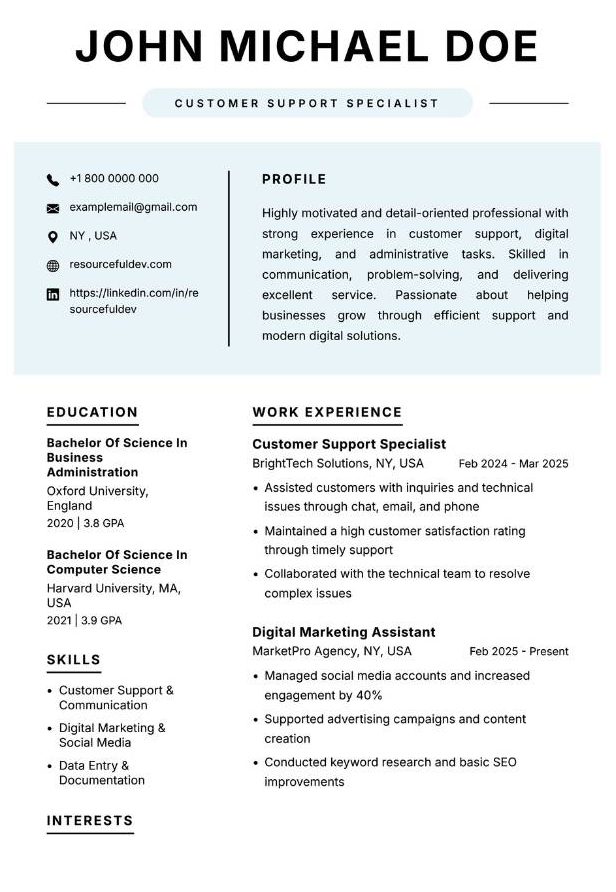
A single-column layout with a clear reading order. A safe pick for online application portals and applicant tracking systems.
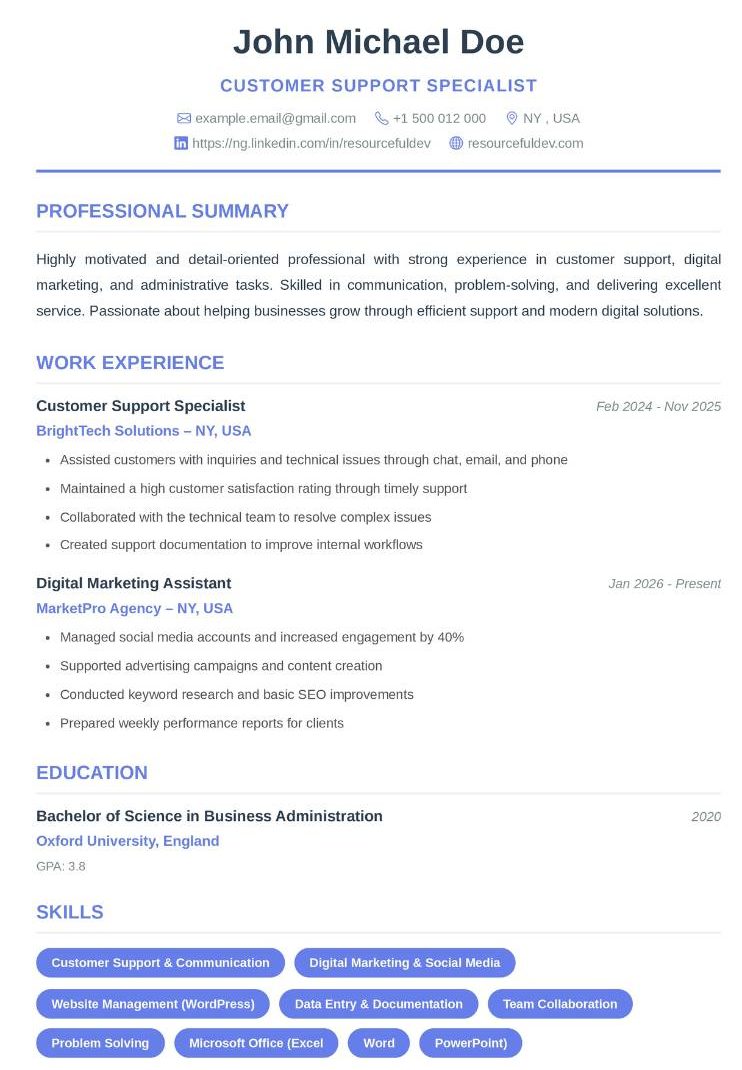
A confident header and balanced sections that give a growing career room to breathe.
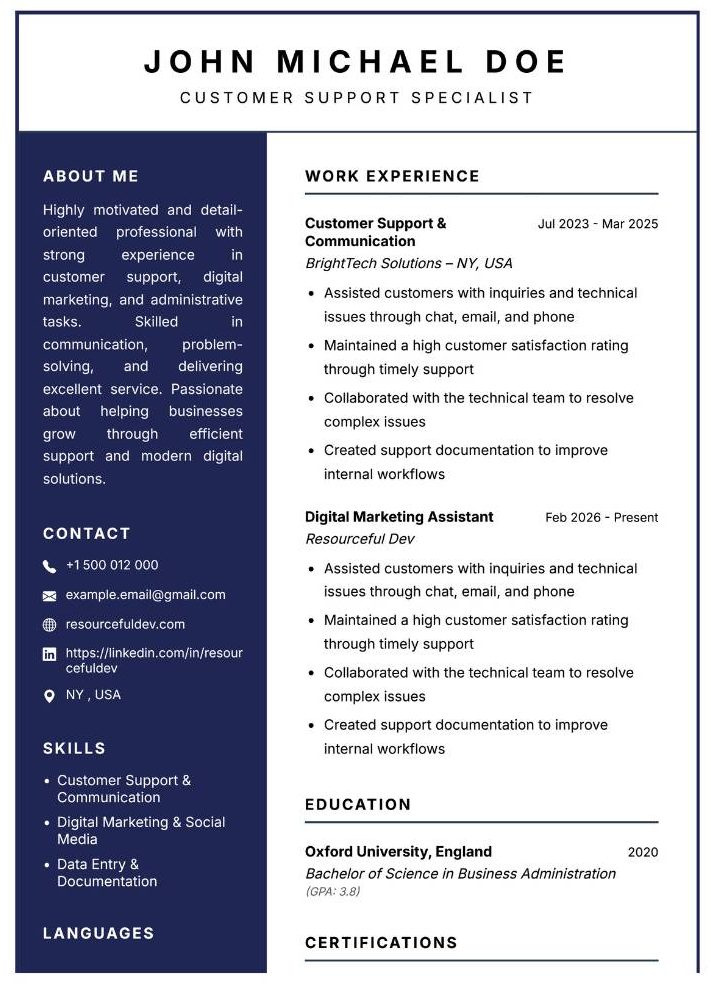
Timeless, refined and formal. Trusted by conservative employers and easy to read at a glance.
A structured, businesslike format that suits corporate hiring teams and senior applications.
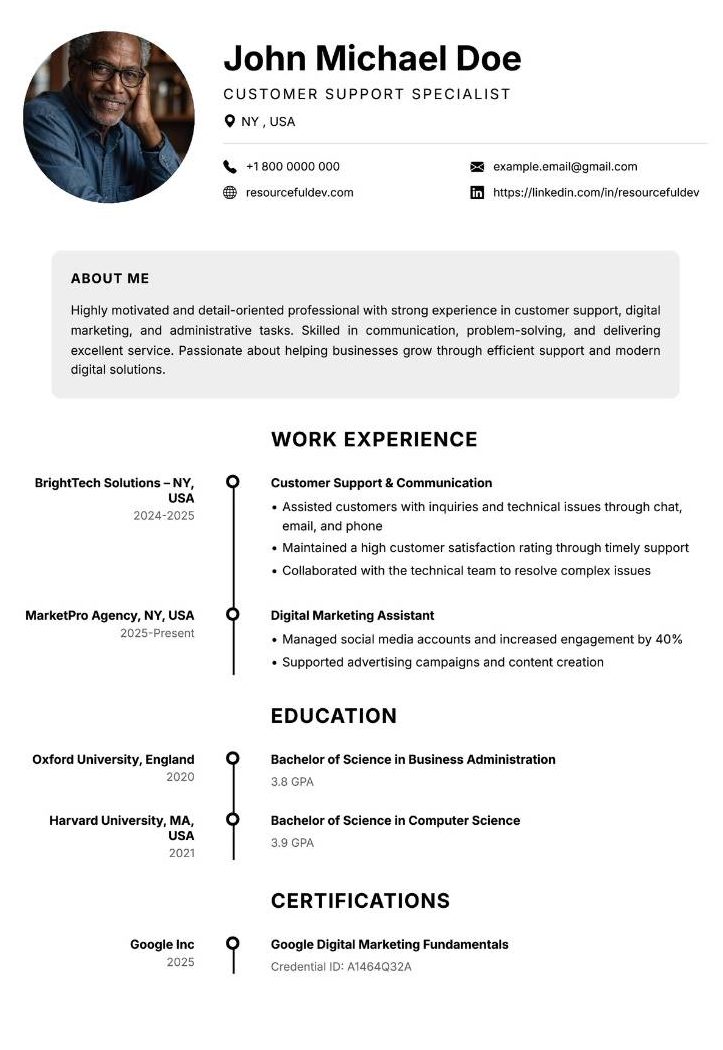
Built to showcase results, metrics and client-facing experience in a clear, confident way.
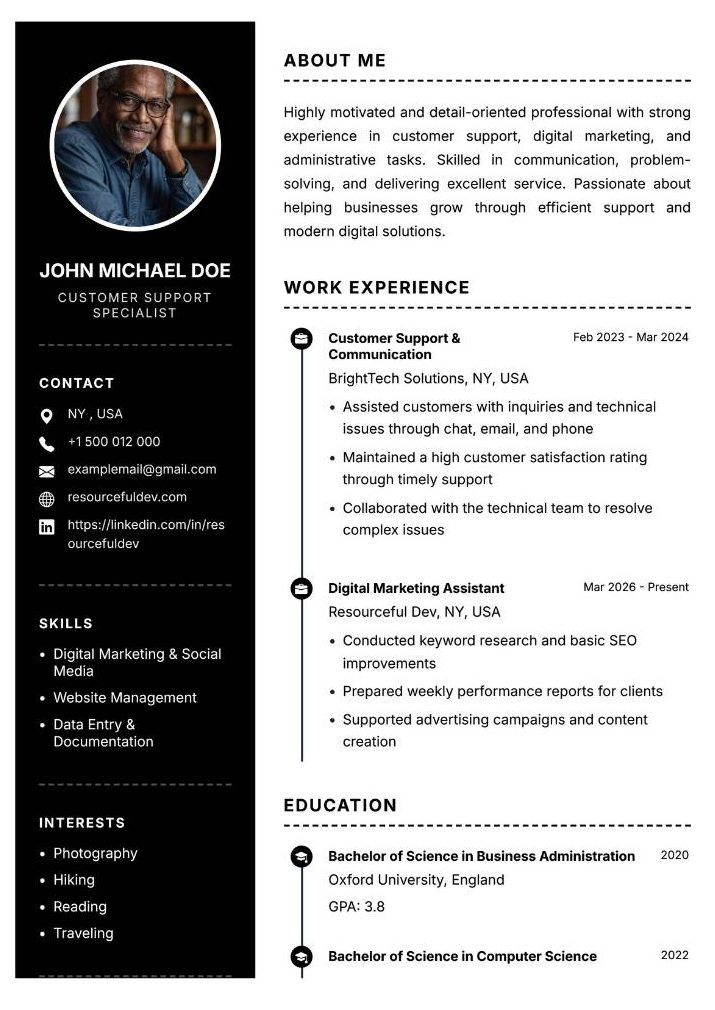
An accent colour and extra personality for fields where style counts, while keeping the structure simple.
Before you choose a design, choose a structure. Each layout reads differently.
Everything flows top to bottom in one reading order. It is the easiest for software and people to follow, so it is the safest all-round choice.
Best for online applicationsSplits content into two blocks to fit more on the page. It can look polished, as long as the text is real and the structure stays simple.
Best for direct applicationsPlaces contact details and skills in a side panel. A modern look with a clear visual rhythm, best used when you have a lot of skills to list.
Best for creative and modern rolesA template gives you a head start. These slip-ups can still cost you the interview.
Stick to one or two fonts and one accent colour for a clean look.
Shrinking the font to fit more is a sign you need to cut content instead.
Use short bullet points so a recruiter can scan your CV in seconds.
Replace vague claims with one specific line about what you offer.
Rating bars and icons cannot be read by software. Write skills as plain text.
Typos and inconsistent dates make even the best template look careless.
A CV template is a ready-made layout for your curriculum vitae. It sets the fonts, spacing and section order, so you only need to add your own details.
The best CV template is clean, easy to read and suited to your industry. For most people, a simple minimalist layout is the safest choice because both recruiters and applicant tracking systems can read it.
Our templates use standard headings and a clean structure so applicant tracking systems can read them correctly. Minimalist and classic layouts are the safest for online application portals.
A single column is the safest for applicant tracking systems. A two-column layout can look polished, but make sure it uses real text and a simple structure.
One to two pages is right for most applicants. Early-career applicants can often fit everything on one page.
Yes. Your content is saved separately from the design, so you can switch templates without retyping anything.
You can start building for free. Some advanced features and extra templates are available on premium plans.
Create a free account, add your details and download a polished CV in minutes.